Choose a Tool
Use an individual loader when you need a specific layer from one HDF file. Use Organize HEC-RAS Project when you want a consistent geodatabase for all available plans in one folder.
| Need | Tool | Input | Main output |
|---|---|---|---|
| Review a 1D river model | Load 1D geometry | g*.hdf or p*.hdf |
Polyline feature classes |
| Review a 2D mesh or pipe network | Load 2D geometry | g*.hdf or p*.hdf |
Points, lines, and polygons |
| Map peak 2D WSE or velocity | Load 2D results | Computed p*.hdf |
Summary point feature classes |
| Display the base RAS terrain | Load terrain | Project .prj plus .rasmap and VRT files |
Raster layers in the active map |
| Build one organized delivery | Organize a project | Project folder or one HDF | File geodatabase grouped by plan |
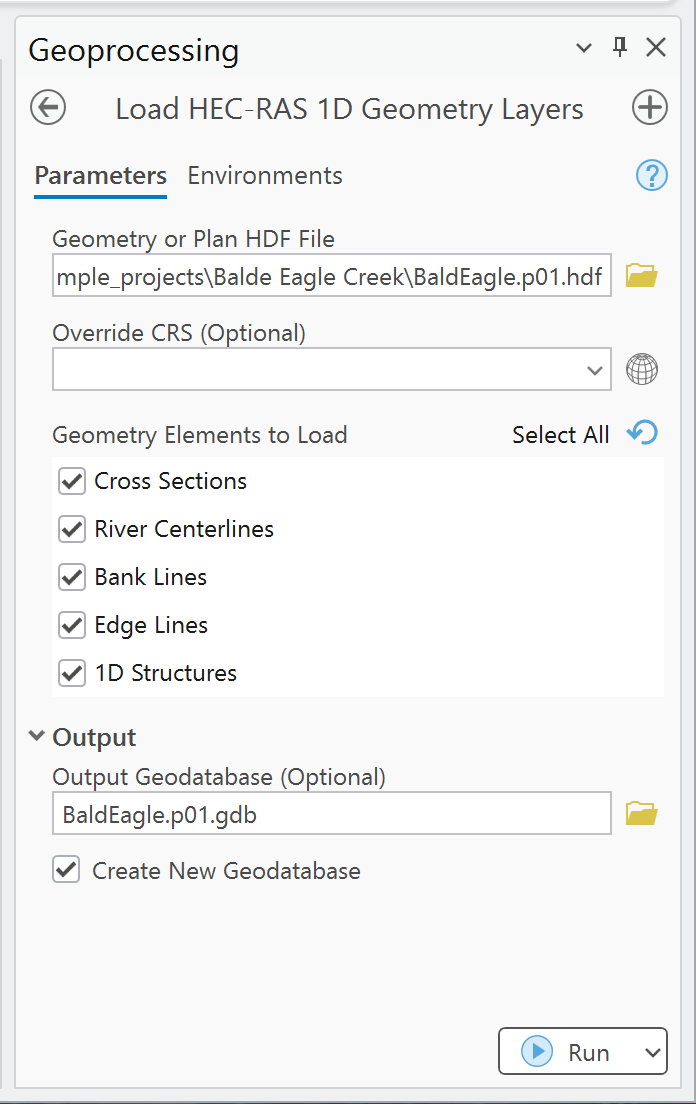
Load HEC-RAS 1D Geometry Layers
Extract cross sections, river centerlines, bank lines, edge lines, and supported 1D structures. The default selection is cross sections and river centerlines.
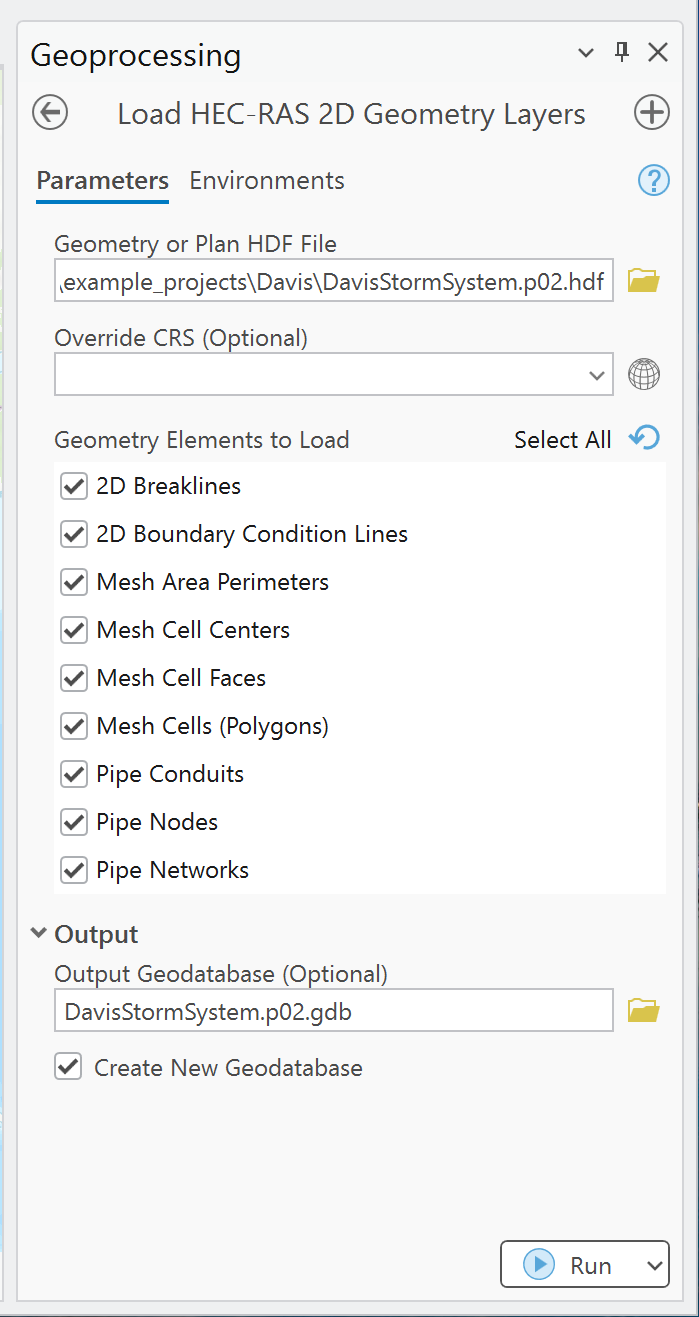
Load HEC-RAS 2D Geometry Layers
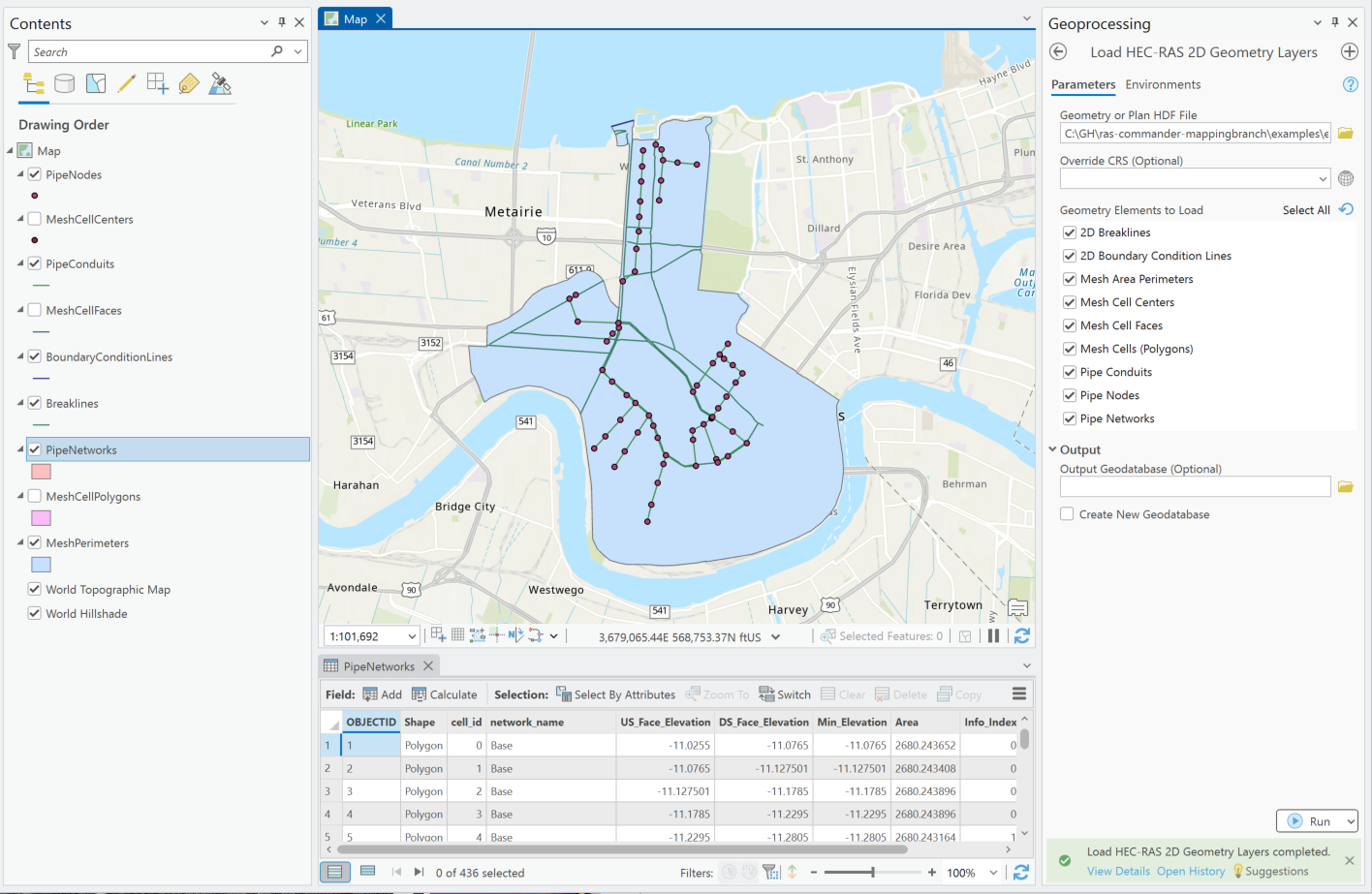
Extract flow-area perimeters, mesh centers, faces or polygons, breaklines, boundary-condition lines, and supported pipe-network geometry. The default selection is mesh-area perimeters.
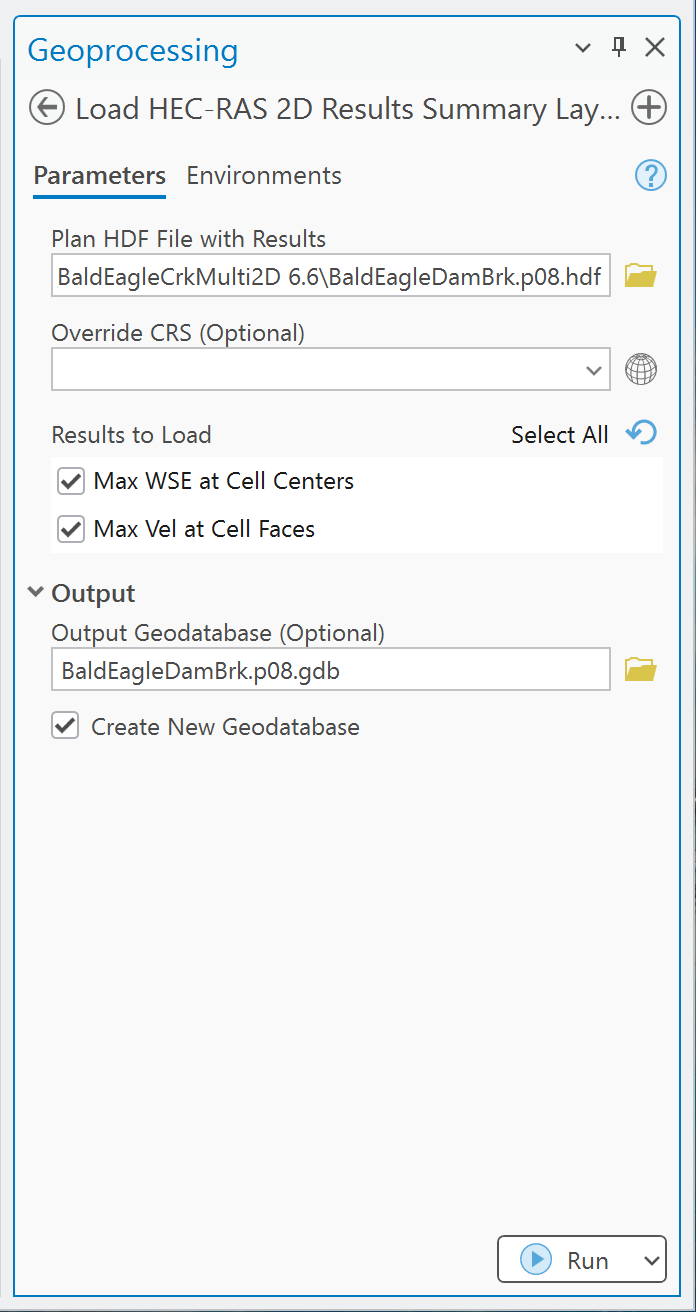
Load HEC-RAS 2D Results Summary Layers
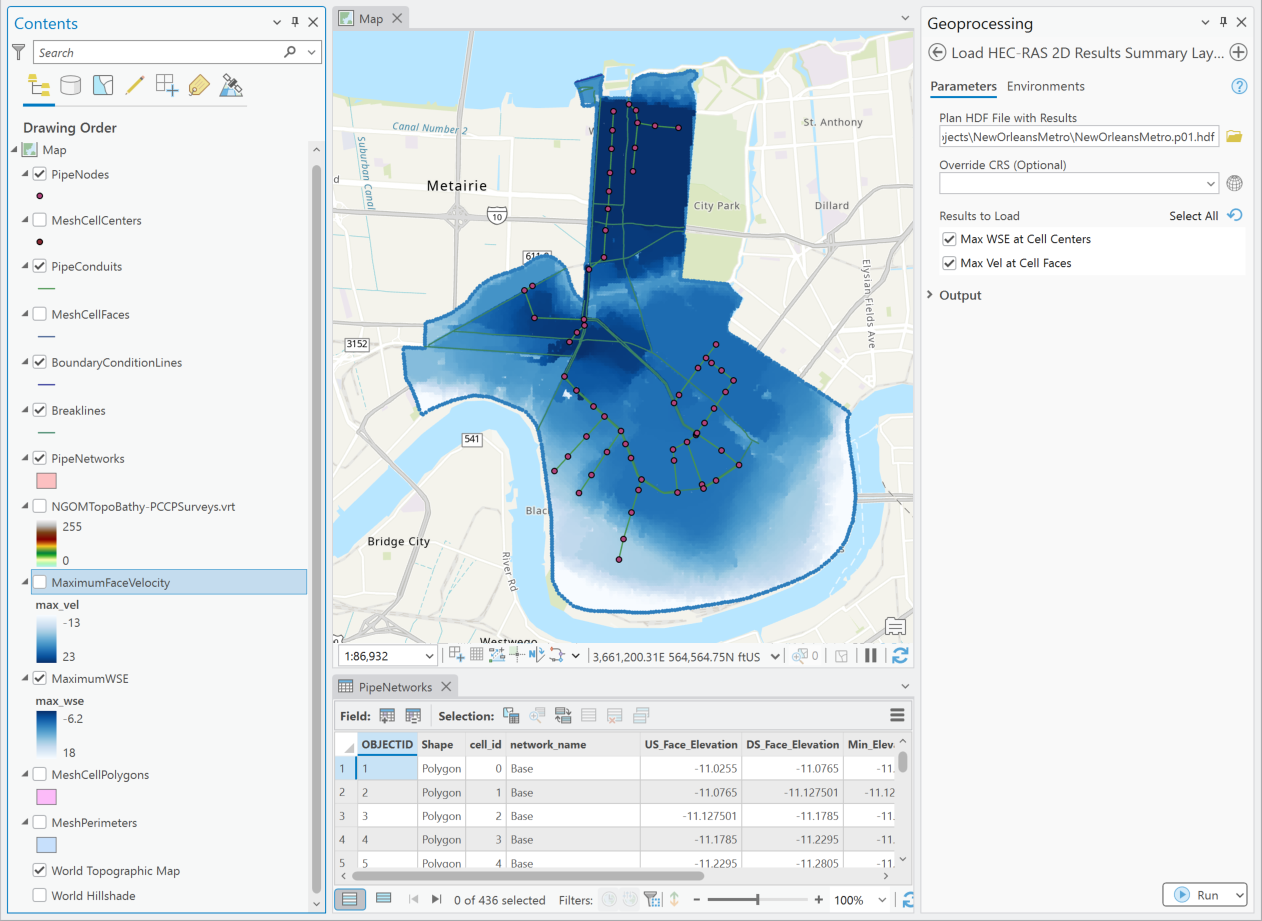
Create maximum WSE points at cell centers and maximum velocity points at cell-face centroids. Values remain in the HEC-RAS model's units; the tool does not convert or classify them.
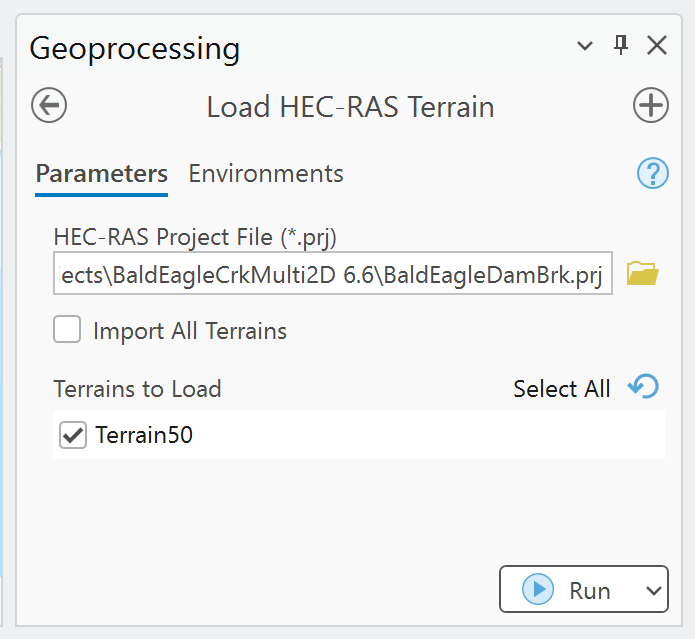
Load HEC-RAS Terrain
Read terrain definitions from the project's .rasmap file and add the corresponding VRTs to the
active ArcGIS Pro map.
Organize HEC-RAS Project
Batch-process a plan HDF or the top-level plan HDF files in one project folder. This is the best starting point for a complete GIS review or delivery. The current tool separately controls 1D geometry, 2D geometry, 2D summary results, mesh-cell polygons, and whether outputs are added to the active map.
Open the project-organization guide
Example: New Orleans 2D model
These examples show imported pipe-network and 2D geometry layers, followed by maximum WSE and maximum face-velocity results in ArcGIS Pro.
Scope boundaries
The toolbox is intentionally focused. It does not:
- Execute or modify HEC-RAS plans.
- Write edits back to HEC-RAS geometry or results files.
- Extract full 2D time series or 1D results profiles.
- Apply RAS Mapper vector terrain modifications to the base terrain VRT.
- Replace engineering review of model setup, units, projections, or results.
Use the full RAS Commander library for broader HEC-RAS automation and HDF analysis.